Mechanical Keyboards Comparison Table — Features Side by Side
Compare mechanical keyboards side by side. Layout, switches, connectivity, programmability, and price. Find the right keyboard for your needs.
| Feature |
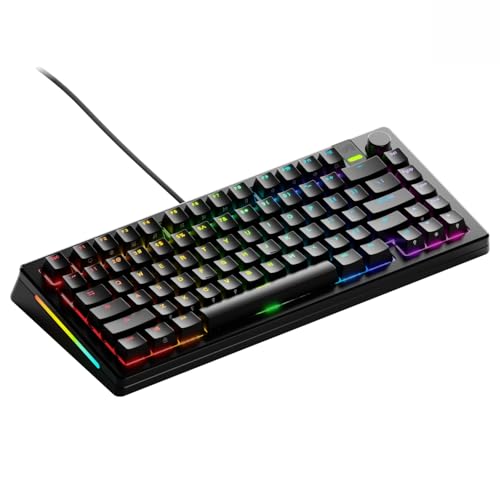
Keychron Q1 Pro
|
GMMK Pro
|
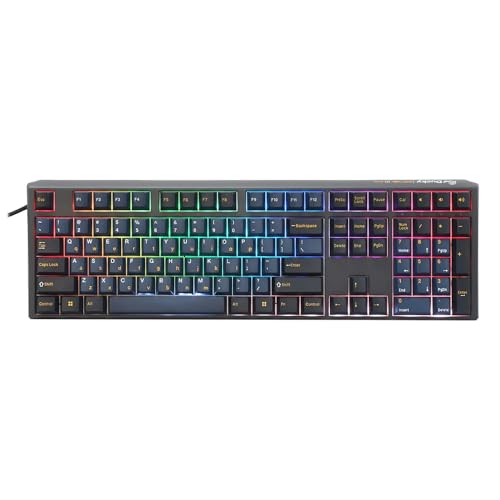
Ducky One 3
|
Royal Kludge RK84
|
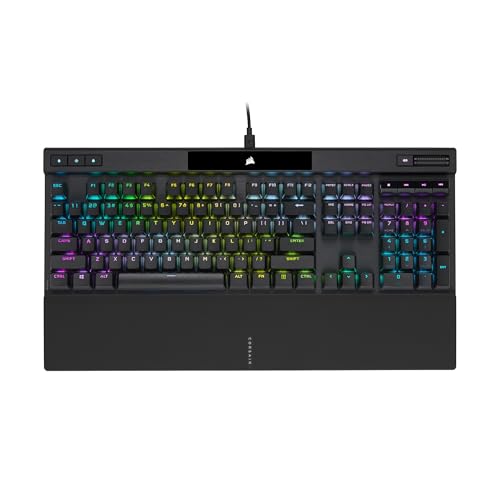
Corsair K70 RGB Pro
|
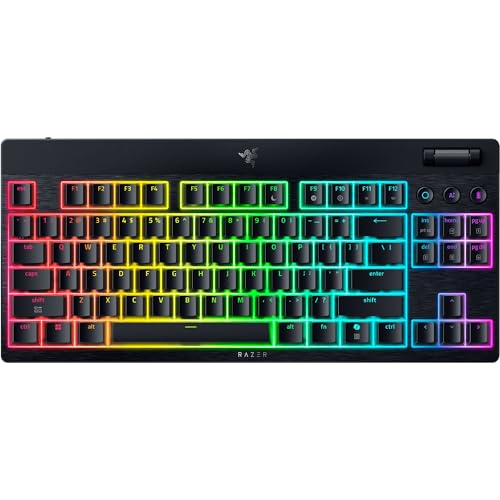
Razer BlackWidow V4
|
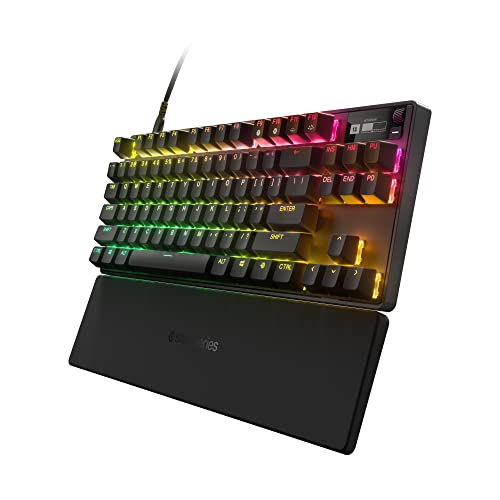
SteelSeries Apex Pro TKL
|
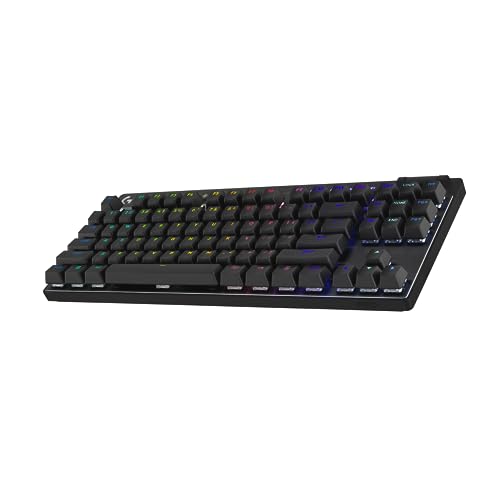
Logitech G Pro X TKL
|
Wooting 60HE
|
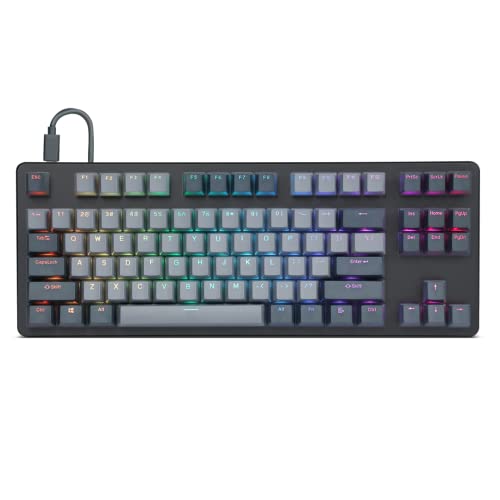
Drop CTRL
|
|---|---|---|---|---|---|---|---|---|---|---|
| Rating |
9.3/10
|
8.6/10
|
8.8/10
|
8.1/10
|
8.5/10
|
8.4/10
|
8.9/10
|
8.3/10
|
9.1/10
|
8.2/10
|
| Check Deal → | Check Deal → | Check Deal → | Check Deal → | Check Deal → | Check Deal → | Check Deal → | Check Deal → | Check Deal → | Check Deal → | |
| Price | $199/one-time | $169/one-time | $129/one-time | $69/one-time | $159/one-time | $169/one-time | $189/one-time | $199/one-time | $174/one-time | $200/one-time |
| Layout | 75% | 75% | Full-size or TKL | 75% | Full-size | Full-size | TKL | TKL | 60% | Full-size or TKL |
| Switch Type | Gateron G Pro (various), hot-swappable | Glorious Panda or barebones | Cherry MX (Red, Brown, Blue, Silent Red) | RK Red/Brown/Blue, hot-swappable | Cherry MX Red, Speed, or Brown | Razer Green (clicky) or Yellow (linear) | OmniPoint 2.0 (adjustable actuation) | GX (linear/tactile/clicky), hot-swappable | Lekker magnetic Hall Effect | Cherry MX or Halo, hot-swappable |
| Hot-Swappable | Yes (5-pin) | Yes (5-pin) | No | Yes (3-pin) | No | No | No | Yes (3-pin) | No (proprietary) | Yes (5-pin) |
| Connectivity | USB-C, Bluetooth 5.1, 2.4GHz | USB-C | USB-C | USB-C, Bluetooth 5.0, 2.4GHz | USB-C | USB-C | USB-C | USB-C or LIGHTSPEED 2.4GHz | USB-C | USB-C |
| Backlight | South-facing RGB | South-facing RGB | RGB or single-color | RGB | Per-key RGB | Per-key Chroma RGB | Per-key RGB | RGB | Per-key RGB | In-switch RGB |
| Keycap Material | PBT doubleshot | PBT (pre-built) or barebones | PBT doubleshot | ABS | PBT (optional) / ABS | ABS doubleshot | PBT | PBT | PBT | ABS |
| Build Material | Aluminum | Aluminum | Plastic | Plastic | Aluminum | Aluminum top, plastic base | Aluminum | Plastic | Aluminum | Aluminum |
| Polling Rate | 1000Hz wired, 90Hz wireless | 1000Hz | 1000Hz | 1000Hz wired | 8000Hz (AXON) | 8000Hz | 10000Hz | 1000Hz | 1000Hz | 1000Hz |
| N-Key Rollover | Yes | Yes | Yes | Yes | Yes | Yes | Yes | Yes | Yes | Yes |
| Weight | 1.2 kg | 1.1 kg | 0.9 kg | 0.6 kg | 1.0 kg | 1.1 kg | 0.9 kg | 0.8 kg | 0.7 kg | 1.0 kg |
| View Price → | View Price → | View Price → | View Price → | View Price → | View Price → | View Price → | View Price → | View Price → | View Price → |



Our Methodology
We type-test each keyboard for at least 2 weeks in real work and gaming scenarios. We measure actuation force with a force gauge, test latency with specialized tools, and evaluate build quality, keycap material, and sound profile. No manufacturer has editorial influence over our rankings.
Frequently Asked Questions
What should I compare when choosing a mechanical keyboard?
What's the difference between 60%, 75%, and TKL?
Are optical switches better than mechanical?
Related Comparisons
Best Mechanical Keyboards of 2026 — Tested and Ranked
Our team tested 10 mechanical keyboards. Rankings based on typing feel, build quality, programmability, and value. No manufacturer influence.
CompareCompare KeyboardRank Products — Pick Two to Compare
Choose any two products to see a detailed side-by-side comparison. Compare specs, features, and value.
Head to HeadKeychron Q1 Pro vs GMMK Pro — Which Is Better in 2026?
Head-to-head comparison of the Keychron Q1 Pro and GMMK Pro. Wireless, gasket mount, and value for 75% mechanical keyboards.
Head to HeadKeychron Q1 Pro vs Ducky One 3 — Which Should You Buy?
Side-by-side comparison of Keychron Q1 Pro and Ducky One 3. We compare specs, performance, and value to help you decide.
Head to HeadKeychron Q1 Pro vs Royal Kludge RK84 — Which Should You Buy?
Side-by-side comparison of Keychron Q1 Pro and Royal Kludge RK84. We compare specs, performance, and value to help you decide.
Head to HeadKeychron Q1 Pro vs Corsair K70 RGB Pro — Which Should You Buy?
Side-by-side comparison of Keychron Q1 Pro and Corsair K70 RGB Pro. We compare specs, performance, and value to help you decide.